- 1Step 1 of 3
Colour Selection 1
Roots to ends: TIGI Colour Creative with TIGI Colour Activator 20 volume/6%Colour Selection 2
At the roots: TIGI Colour Creative with TIGI Colour Activator 20 volume/6%
Mid-lengths and ends: TIGI Colour Creative plus 3 inches of TIGI Colour Mix Master and with TIGI Colour Activator 20 volume/6%Colour Selection 3
At the roots: TIGI Colour Creative with TIGI Colour Activator 20 volume/6%
Mid-lengths and ends: TIGI Colour Ultra Lift plus 2 inches of TIGI Colour Mix Master with TIGI Colour Activator 30 volume/9% - 2Step 2 of 3
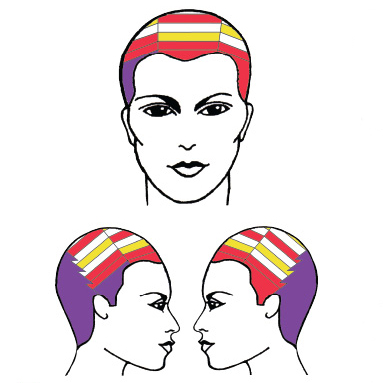
Step 1. Take a zig-zag parting from the crown to the top of the ear on both sides and isolate with TIGI® Colour™ Meche Strips.
Step 2. Undercolour the back section with Colour Selection 1 and isolate with TIGI® Colour™ Meche Strips.
Step 3. Start on the side of the natural part and take a 1-inch diagonal back parting off the front hairline and apply Colour Selection 1. Isolate with TIGI® Colour™ Meche Strips.
Step 4. For the next two slices, apply Colour Selection 2 and isolate with TIGI® Colour™ Meche Strips.
Step 5. For the remaining slices, apply colour selections in the following pattern: Leave Natural, Colour Selection 3, Leave Natural, Colour Selection 2. Isolate with TIGI® Colour™ Meche Strips.
Step 6. For the opposite side, subdivide at the recession area for better control.
Step 7. For the side area, apply Colour Selection 2 to the first two slices and isolate with TIGI® Colour™ Meche Strips.
Step 8. For the remaining slices, apply colour selections in the following pattern: Leave Natural, Colour Selection 3, Leave Natural, Colour Selection 2. Isolate with TIGI® Colour™ Meche Strips.
Step 9. Working in the top section, apply Colour Selection 2 to the first two slices and isolate with TIGI® Colour™ Meche Strips.
Step 10. For the remaining slices, apply colour selections in the following pattern: Colour Selection 3, Leave Natural, Colour Selection 2, Leave Natural. Isolate with TIGI® Colour™ Meche Strips. - 3Step 3 of 3

Hair Color
TIGI Colour "Classic" Step-By-Step
April 5, 2009·1 min read
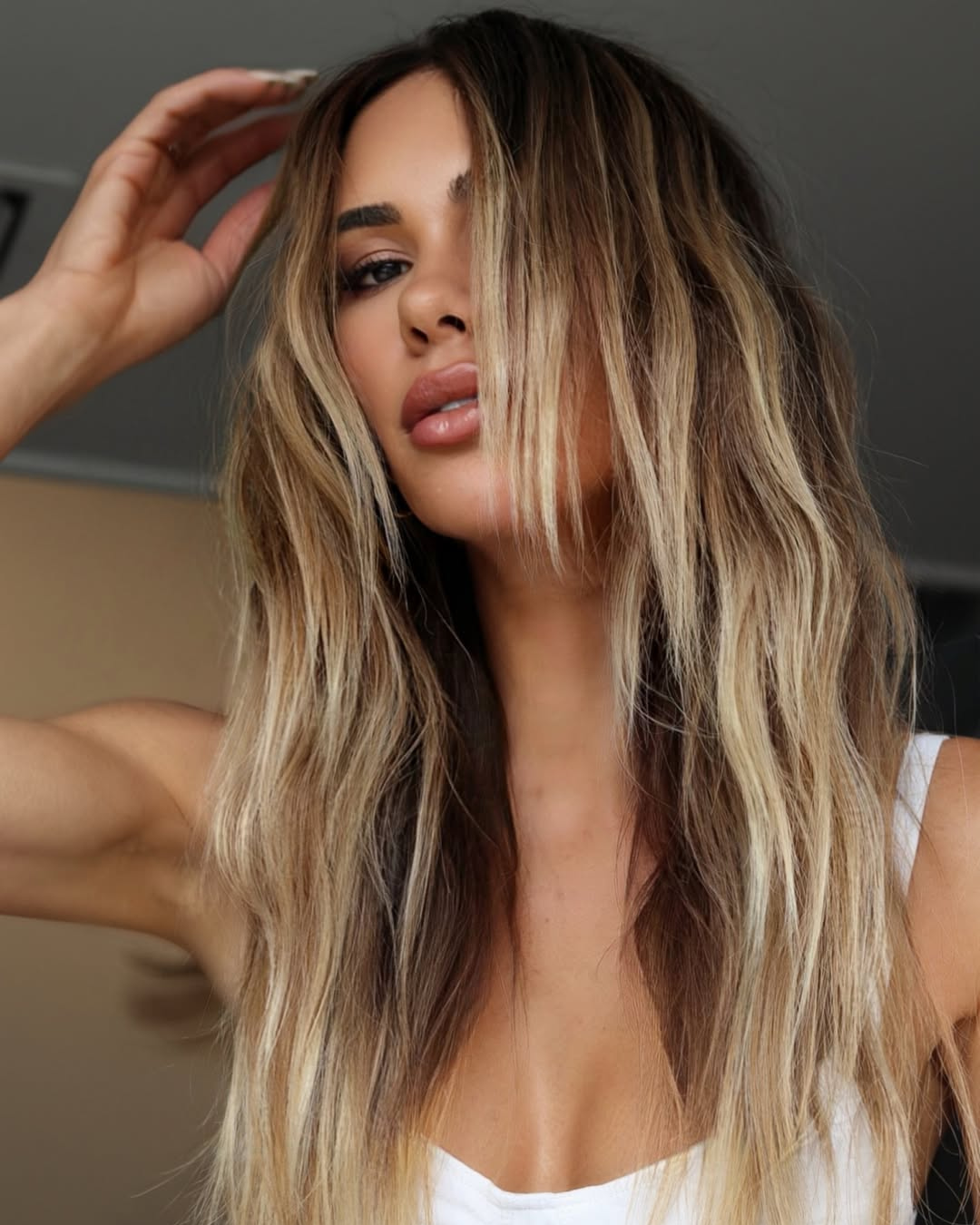
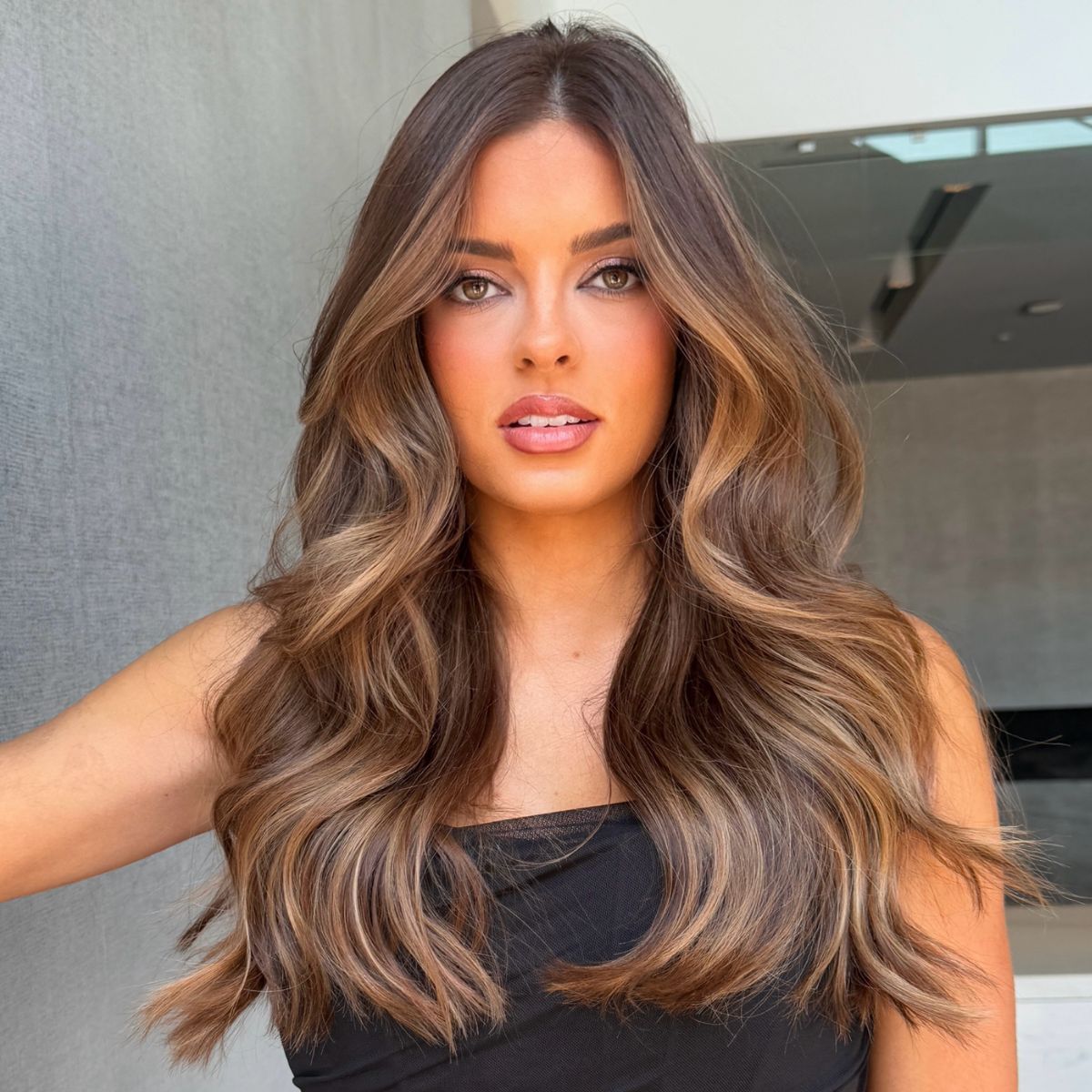
Try this brilliant brunette look on your clients for spring, courtesy of TIGI Colour. This brunette is anything but basic; it contains hints of deep red and mahogany tones that peek out through the fringe. A dimensional, interesting look like this is sure to keep your clients on-trend for spring. Get the Toni&Guy Classic Colour DVD/Book (Special BTC Member Price–Only $250!) To learn more, go to www.tigihaircare.com Get TIGI PRO Tools: TIGI Pro Neck Shield TIGI Pro Sectioning Clips TIGI Pro Trimmer Subscribe to behindthechair.com “On Paper” Magazine–4 Issues Only $29.95! Next Issue: COLOR with Beth Minardi! (more…)
More to Read