Hey BTC fam! It’s that time of year again…#ONESHOT Hair Awards time! We wanted to make submitting your photos as easy as possible so scroll down to see how you can put our #ONESHOT overlay on your photos. (And don’t forget, you have from Feb. 11 to April 8 to enter!) Good luck and we’ll see you at THE BTC SHOW and #ONESHOT Hair Awards on August 24-27th in Washington, D.C! (more…)
- 1Step 1 of 8

Head over to behindthechair.com/oneshot. Then, click the dropdown menu on the left and click "How to Enter."
- 2Step 2 of 8
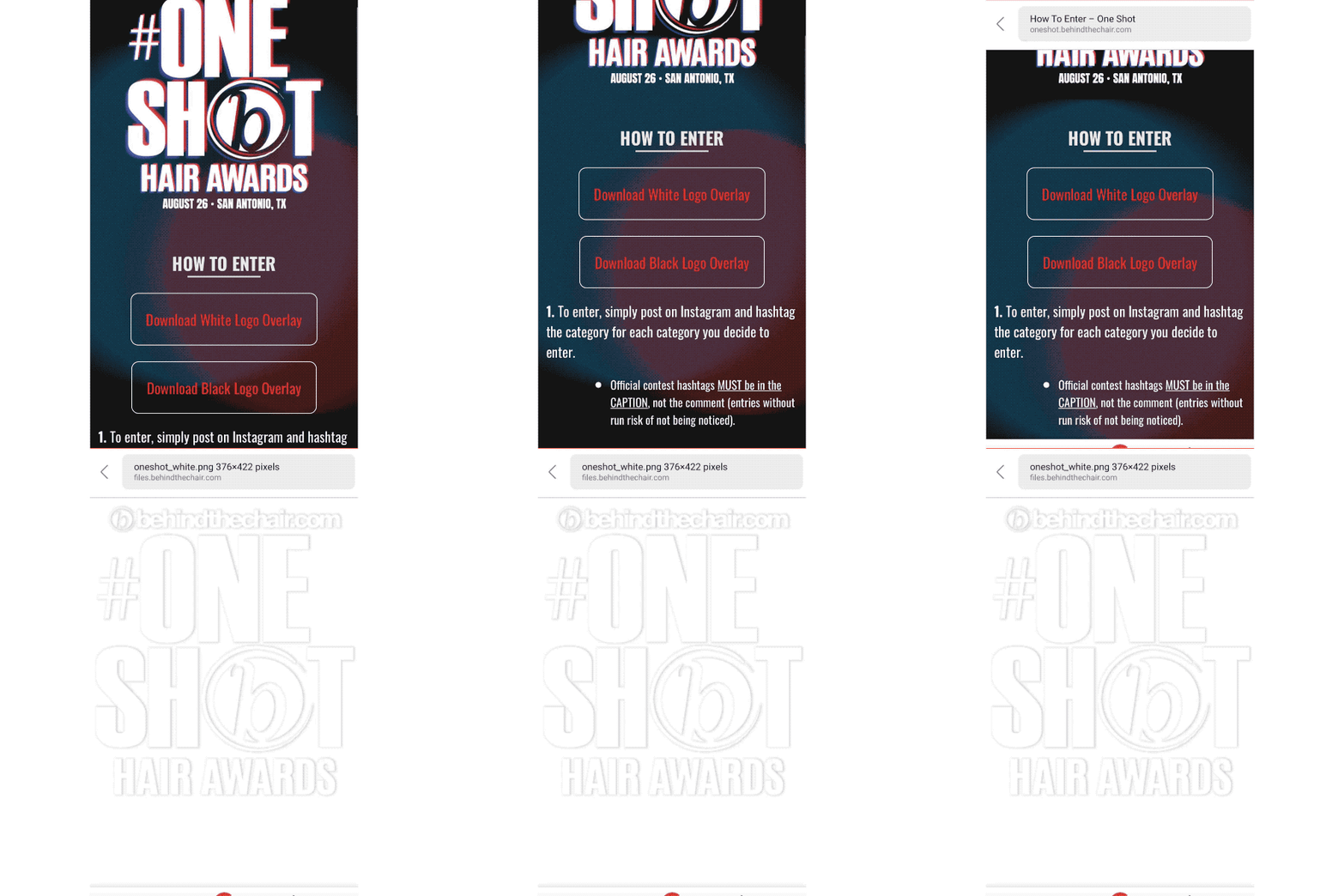
Scroll down and click "Download White Overlay" and save the image once it is downloaded. Repeat steps to also download and save the "Black Overlay."
- 3Step 3 of 8

Download a third party app called "Over" in the App Store.
- 4Step 4 of 8
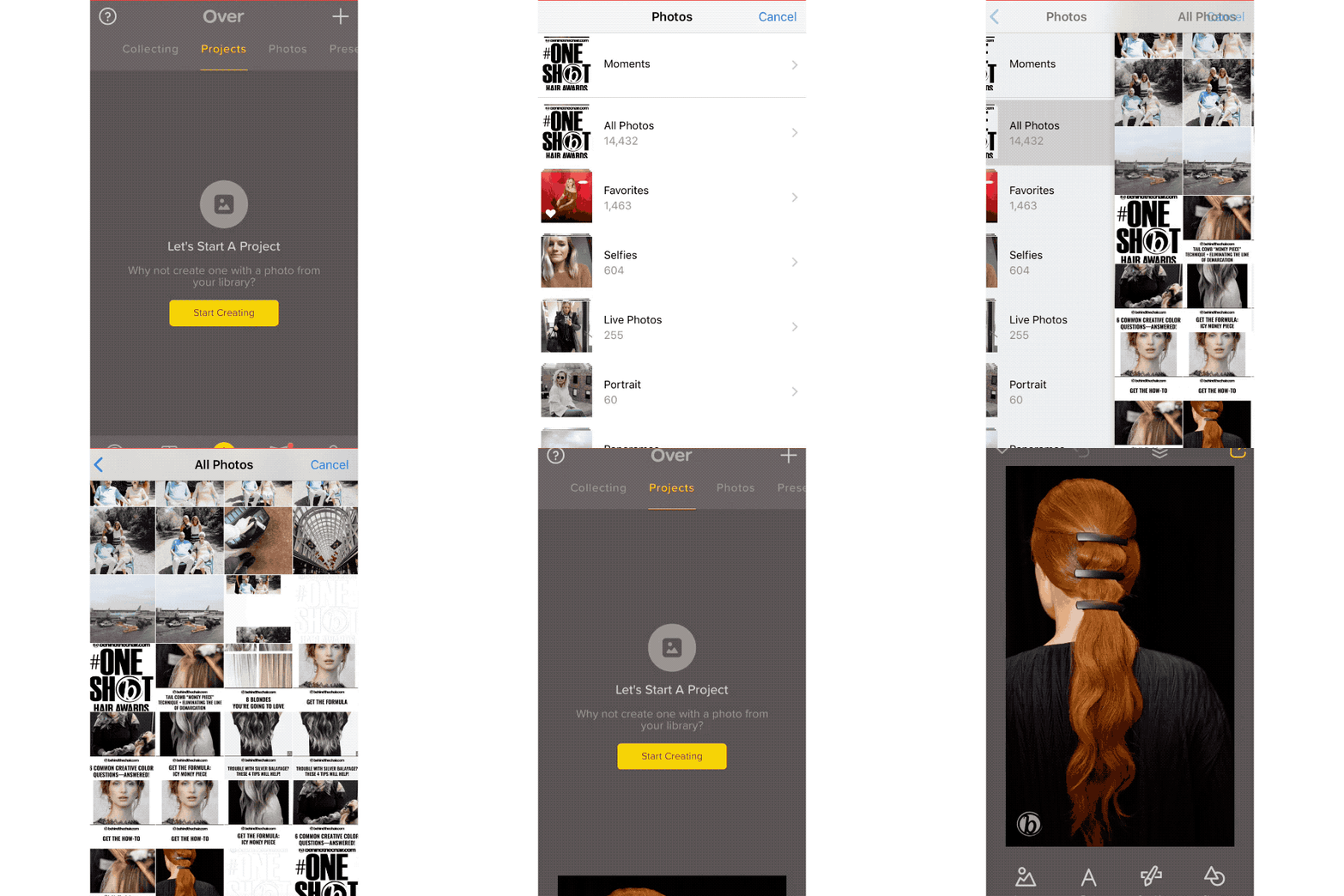
Open the “Over” app and click “start creating” to open your camera roll. Select the hair image you wish to submit to #ONESHOT.
- 5Step 5 of 8
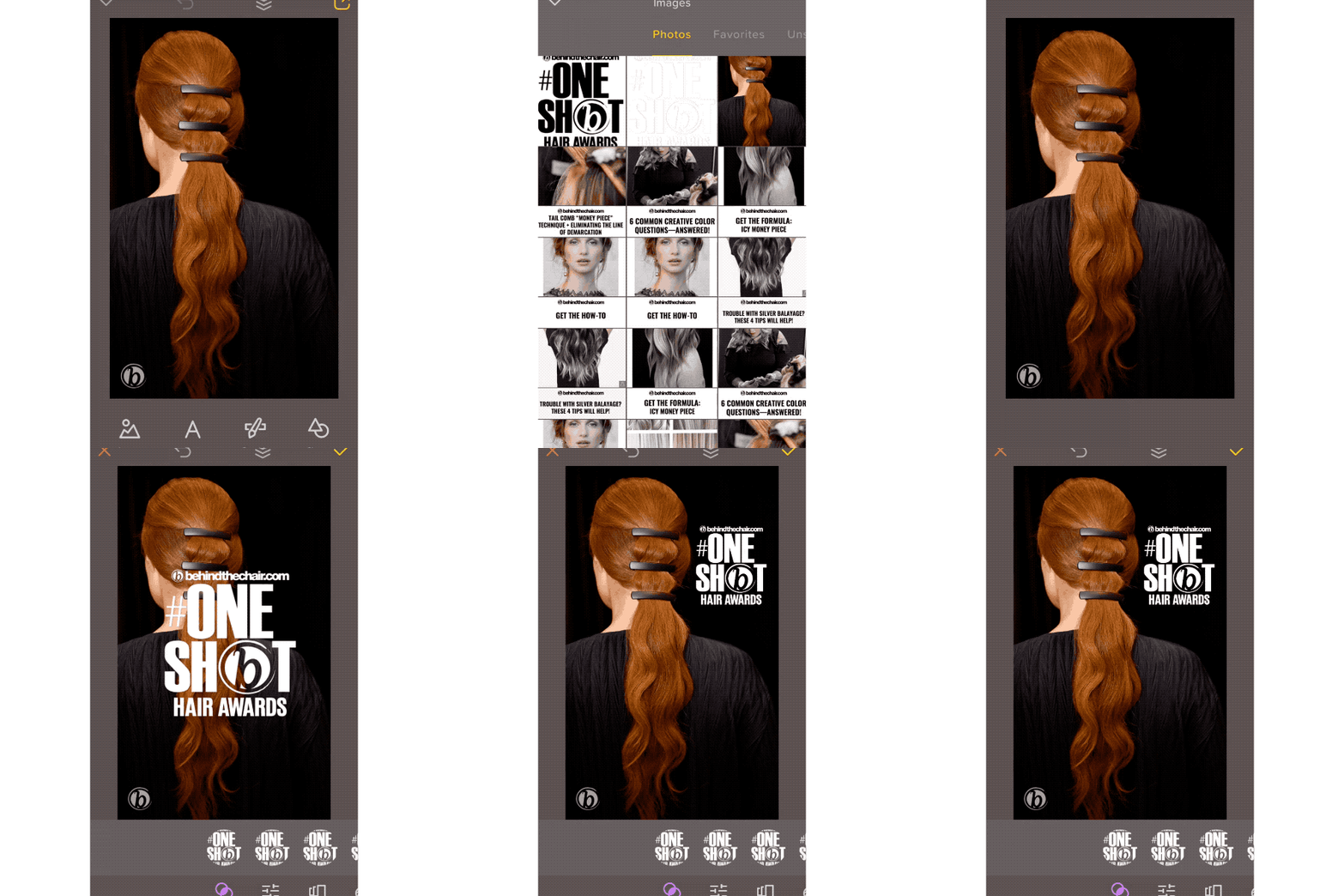
Once the hair image has opened, click "image" at the bottom of the photo. Choose either the "white overlay" or "black overlay" from your camera roll and adjust the size and position so it fits onto your image.
- 6Step 6 of 8
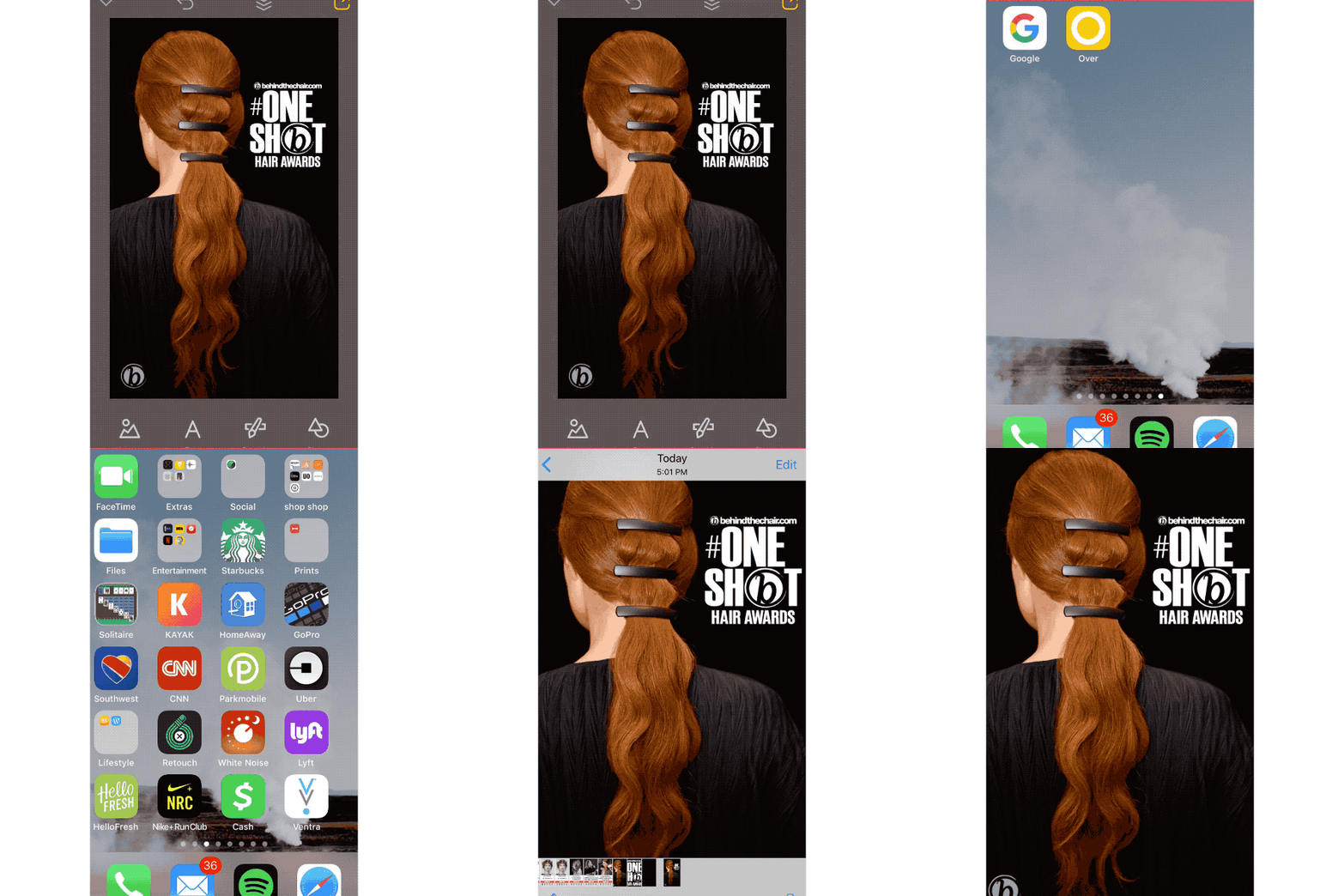
Save the image to your camera roll and you’re ready to submit!
- 7Step 7 of 8
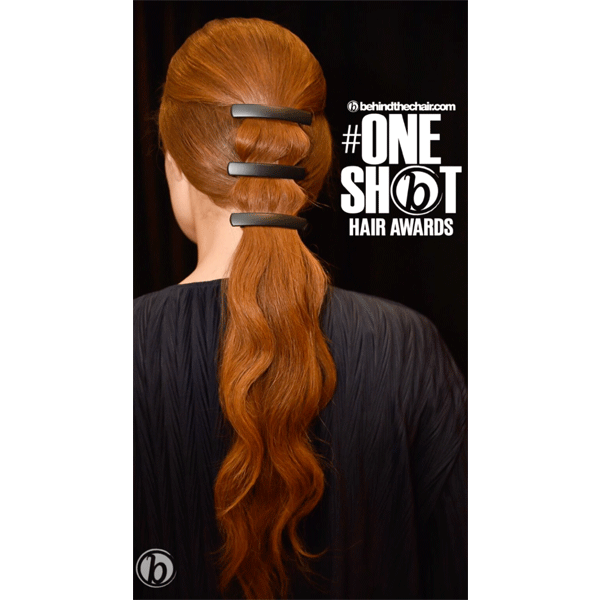
- 8Step 8 of 8Watch the video ↗