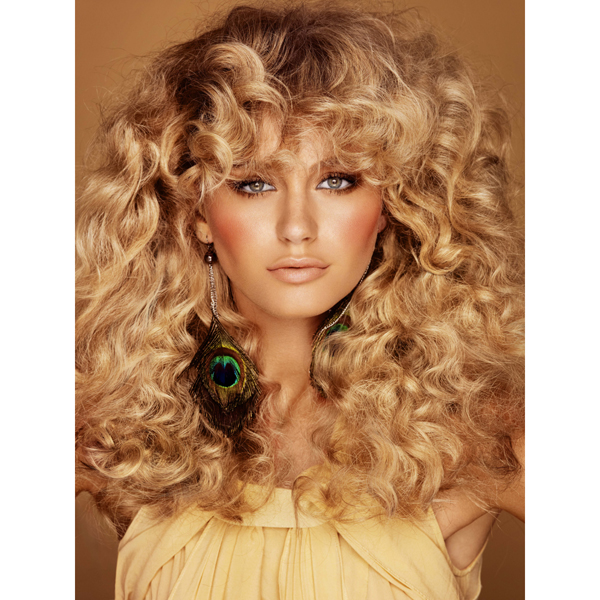
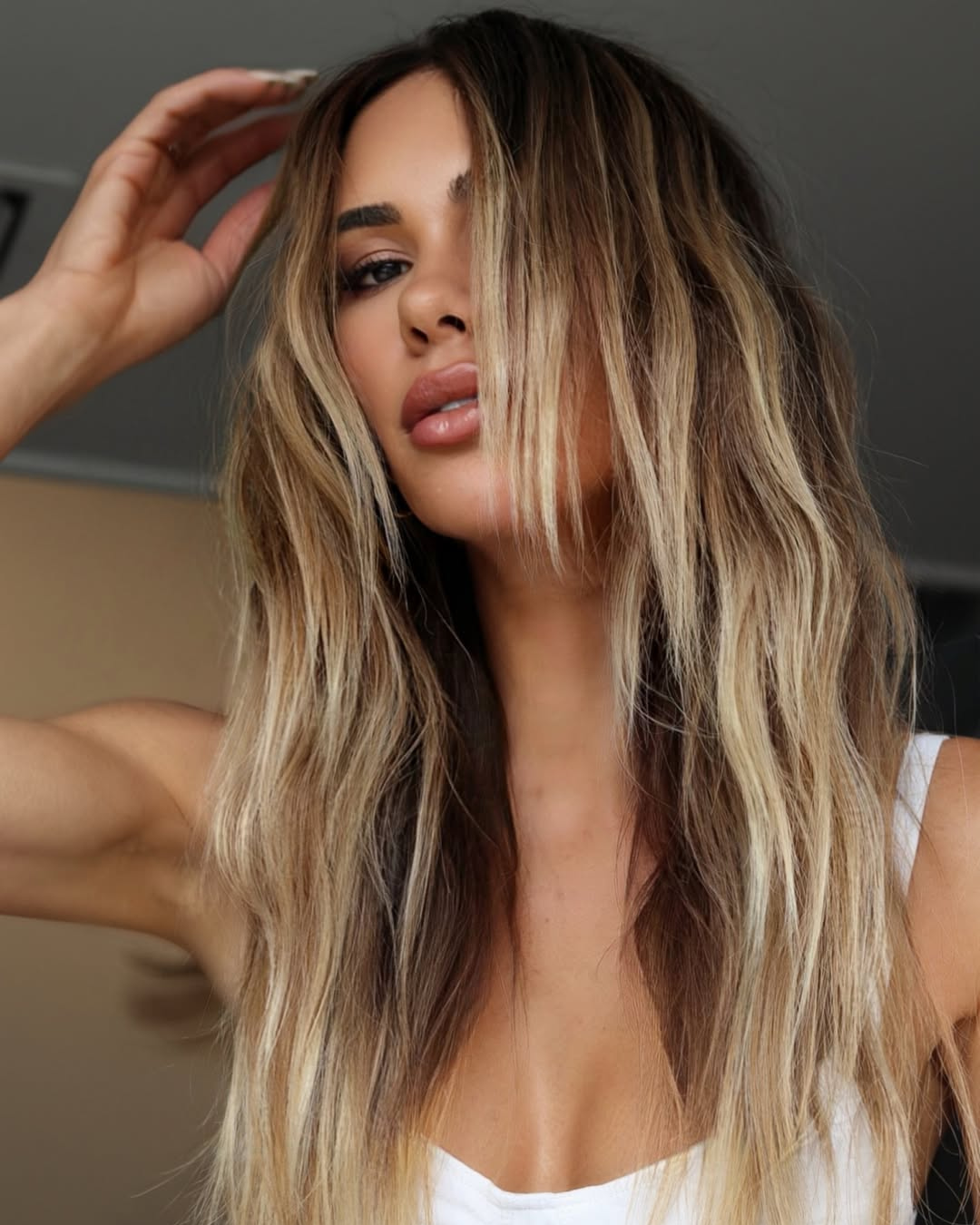
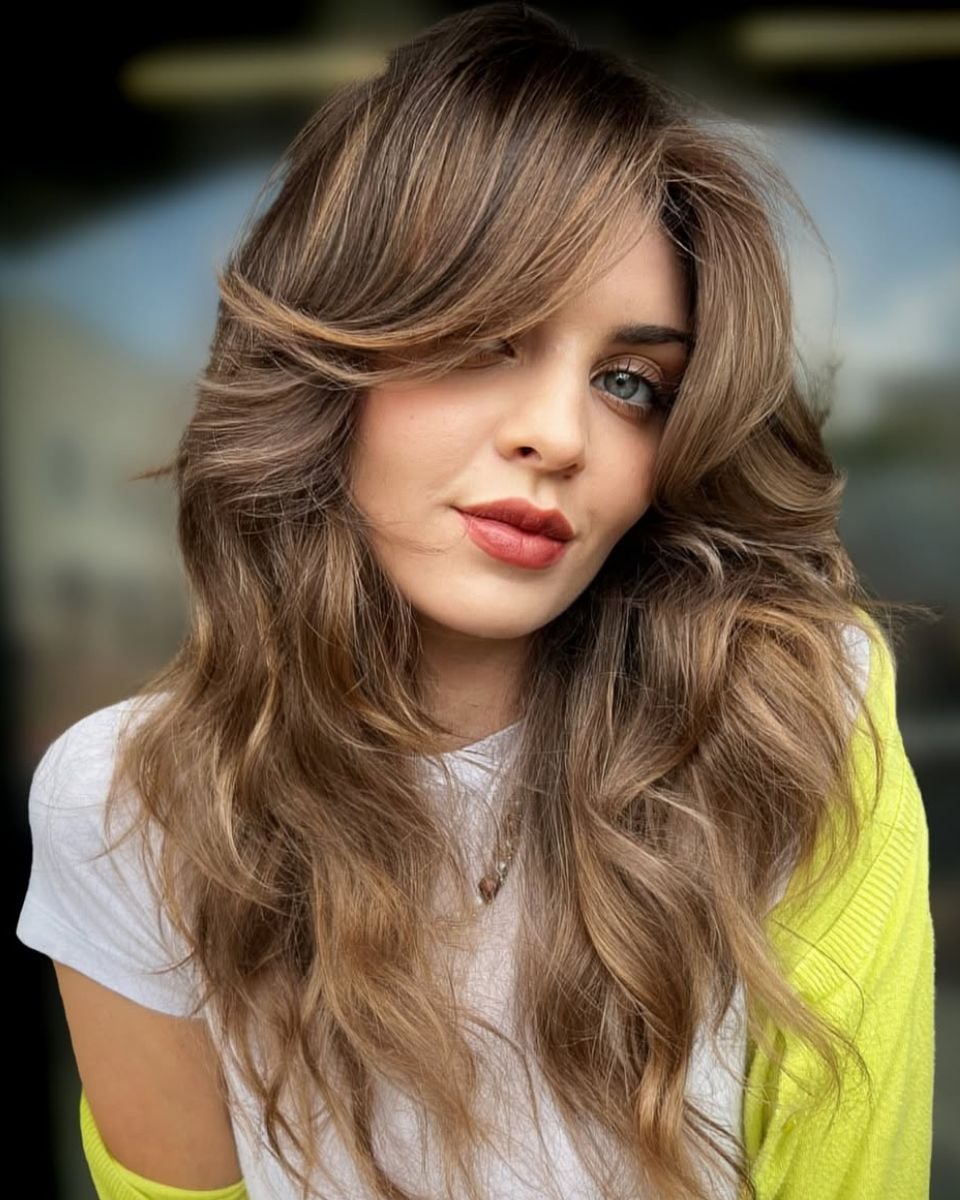
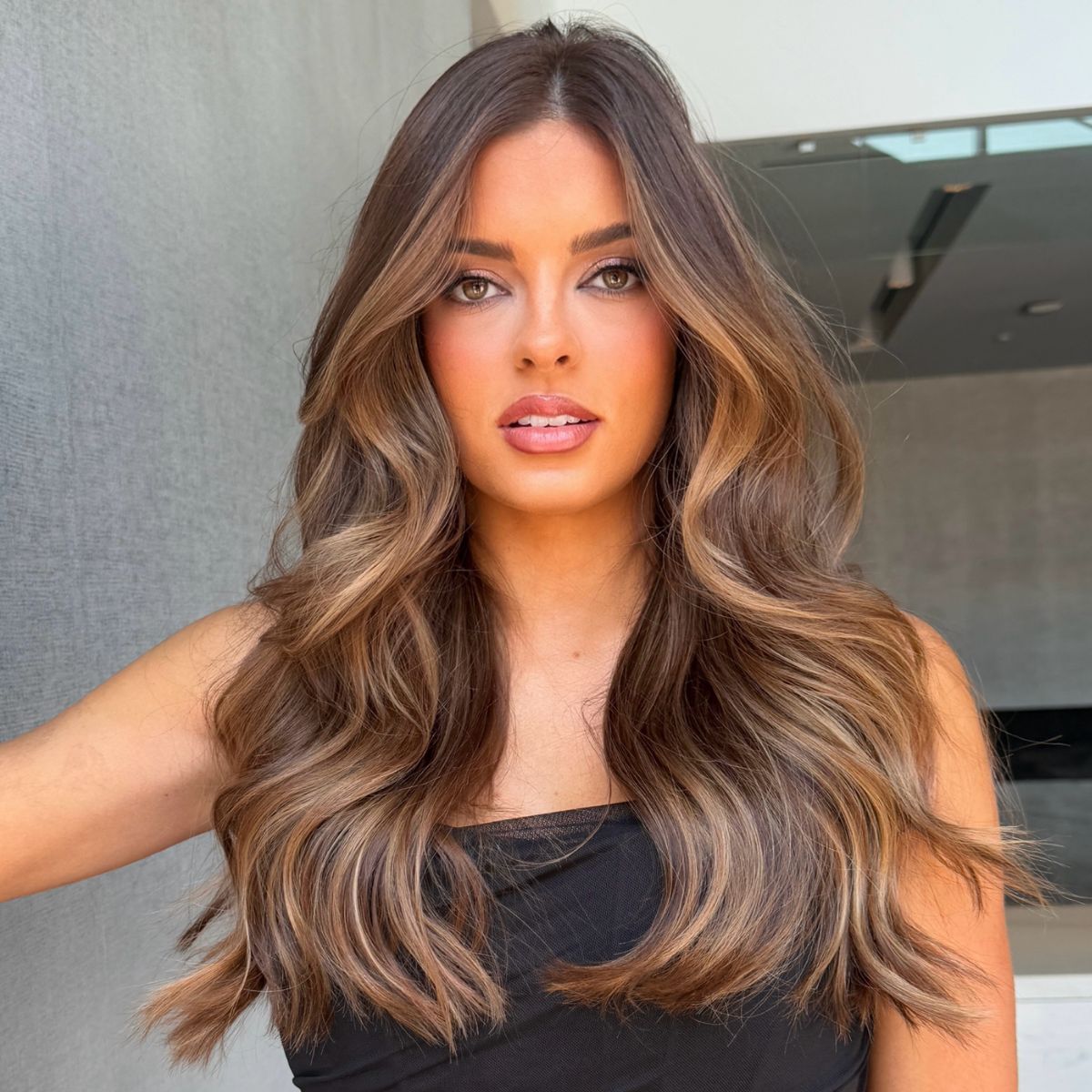
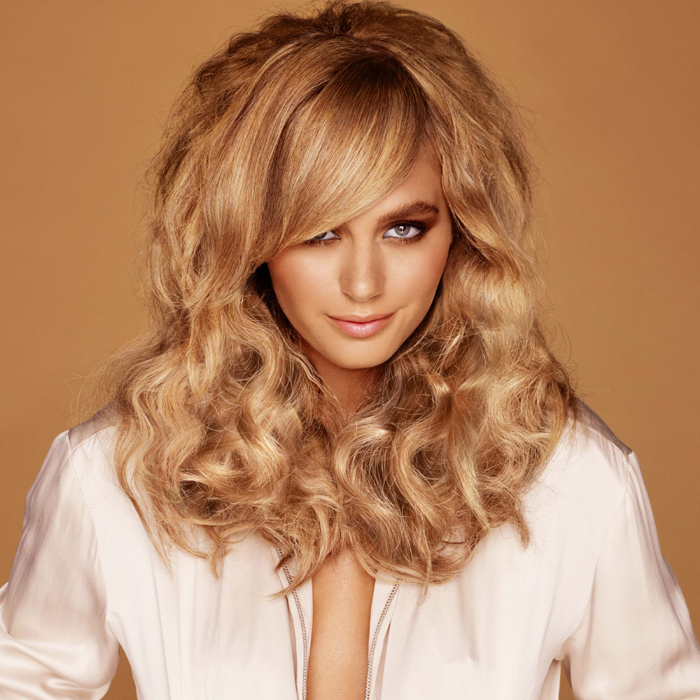
In this look from DCI Education’s Aspira Collection, balayage coloring techniques blend light, cool tones on the exterior of the shape with deep and luscious caramel hues in the interior for a stunning, multi-dimensional finish. To learn more, go to www.dcieducation.com Subscribe to behindthechair.com On Paper – 5 Issues only $29.95! SUBSCRIBE NOW! (more…)
- 1Step 1 of 15
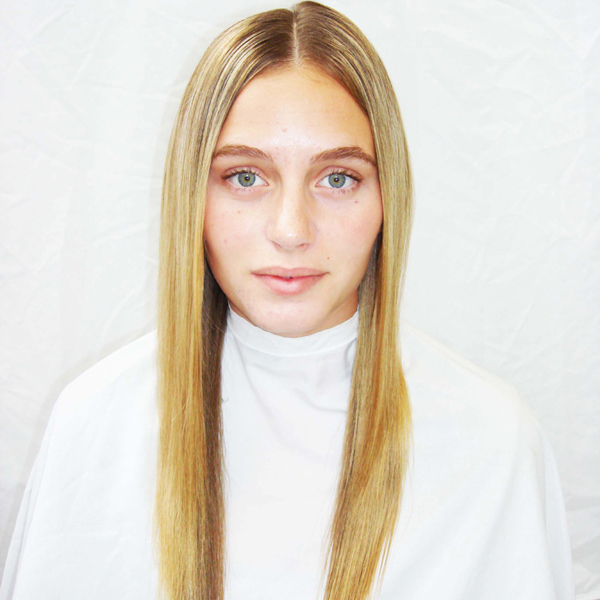 Wella Colour Formula Suggestions:
A. Koleston Perfect Special Blonde12/22 + 9% Welloxon Perfect
B. Blondor Soft Cream + 9% Welloxon Perfect
C. Blondor Multi Powder + 6% Welloxon Perfect
D. Koleston Perfect Special Blonde12/61 + 12% Welloxon Perfect - 2Step 2 of 15
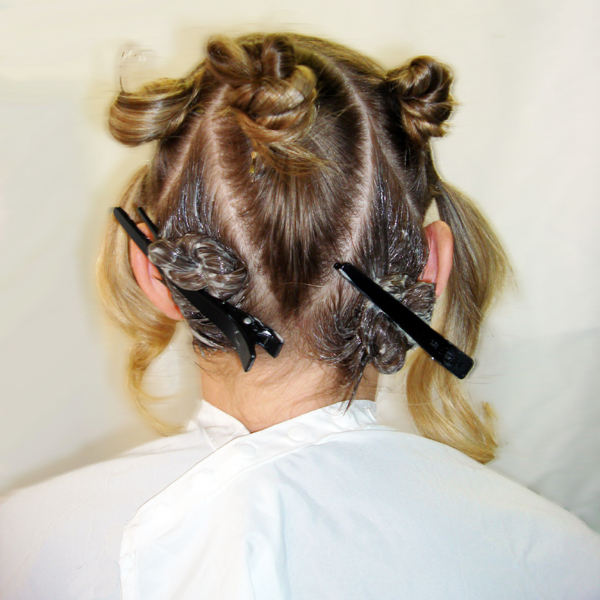 Use Formula A on left and right back areas.
 - 3Step 3 of 15
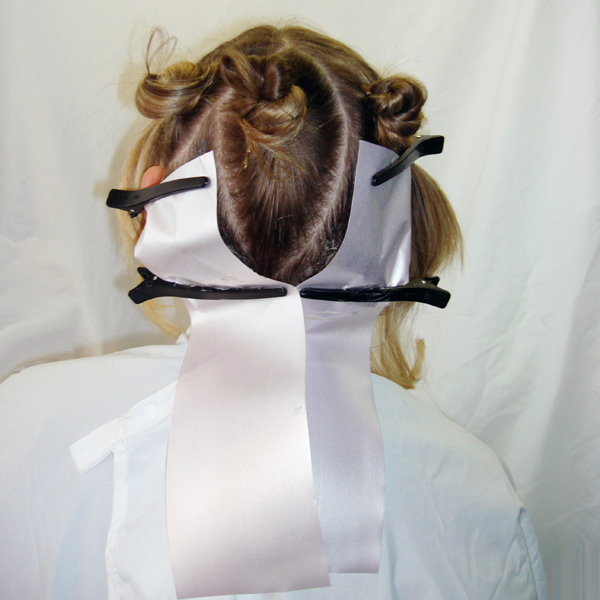 Protect these areas with meche or foil to prepare for next section.
 - 4Step 4 of 15
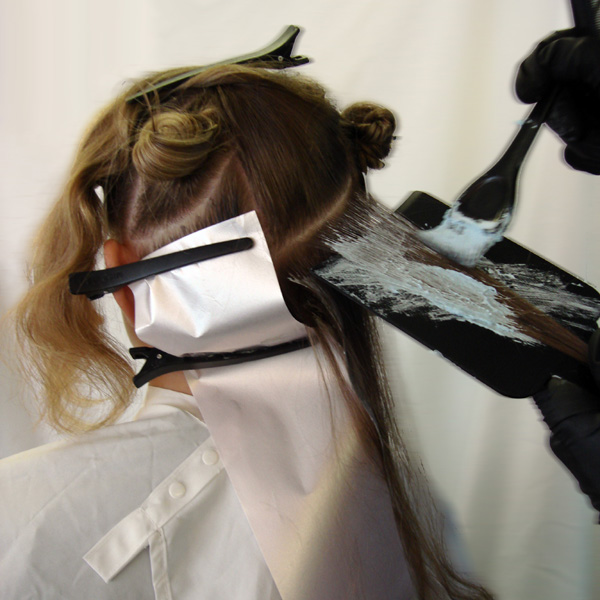 Starting at the bottom of the middle back area section use Formula B with a balayage technique. Take large weaves on a color board as if you were foiling. Use color brush vertically near regrowth area for a soft blend with no line created.
 - 5Step 5 of 15
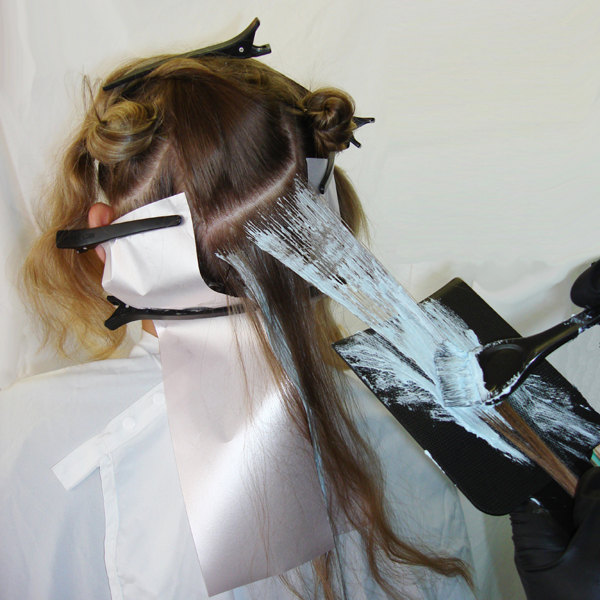 Gently pull board up and out to let section fall naturally so as not to disturb the hair underneath. Continue working up leaving a section out between each balayage section.
 - 6Step 6 of 15
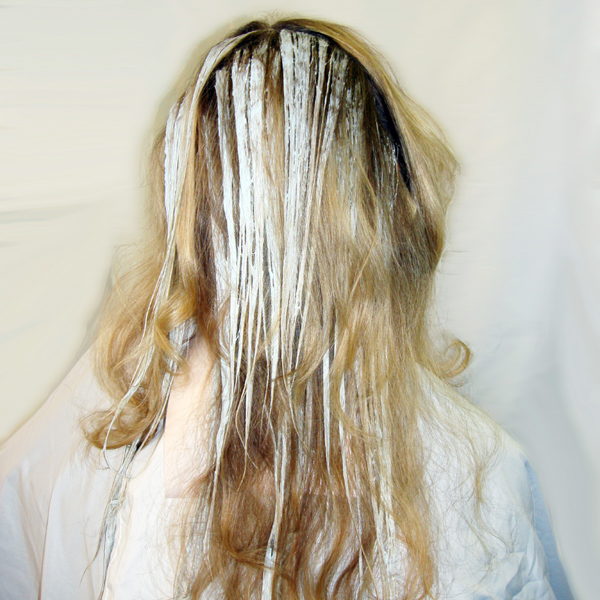 Once the middle area is complete then use the same technique on the areas above the above ear areas on each side.
 - 7Step 7 of 15
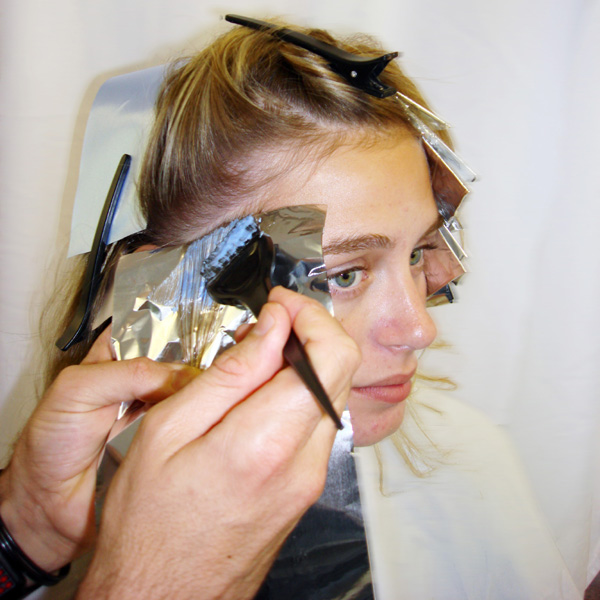 On two remaining front areas use a traditional foil weave technique working up on diagonal until reaching crown alternating between Formulas C and D.
 - 8Step 8 of 15
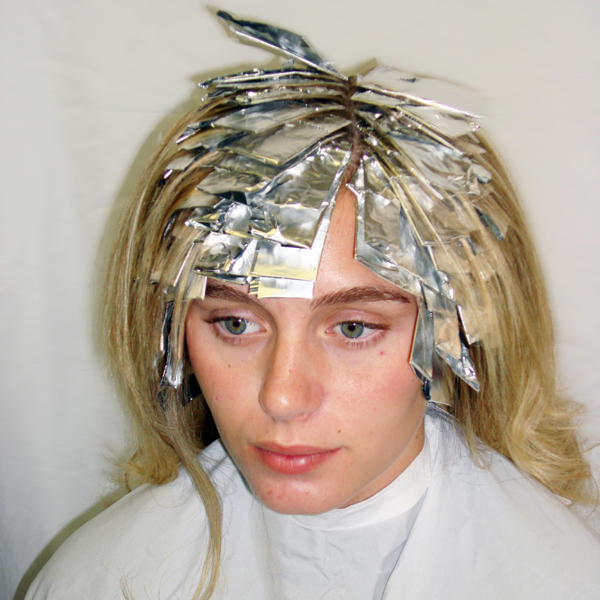 TIP: To bring more blonde into the top section, balayage Formula B in between every 2nd foil.
 - 9Step 9 of 15
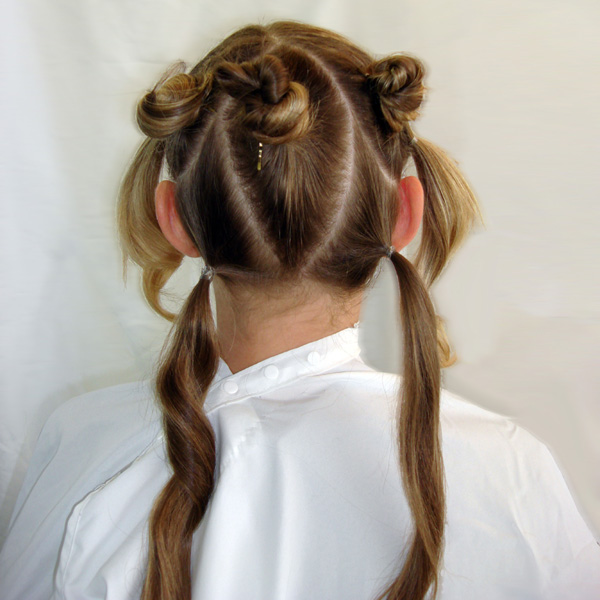 3 x Back Areas
Left, Middle, Right - 10Step 10 of 15
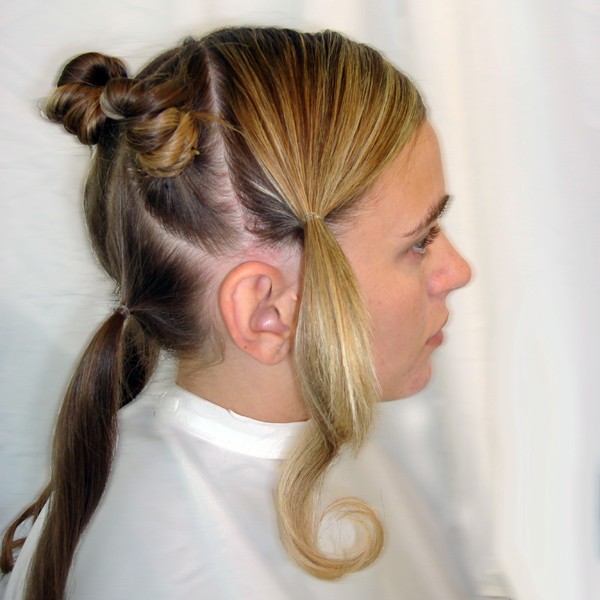 1 x Above Ear Area
1x Front Right Area - 11Step 11 of 15
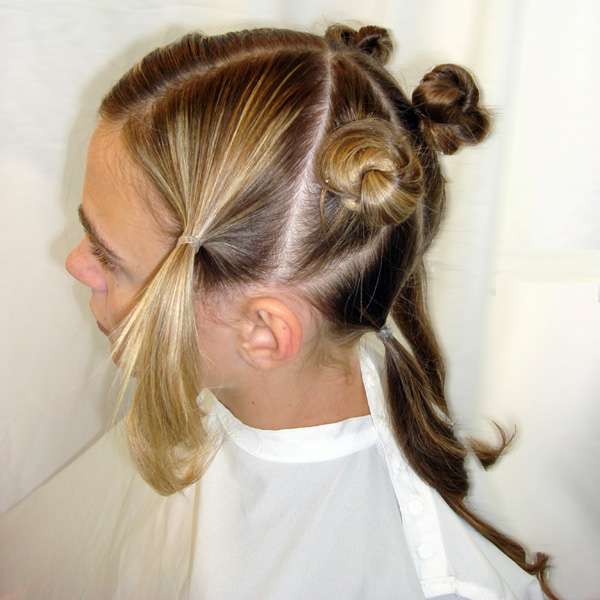 1 x Above Ear Area
1x Front Left Area - 12Step 12 of 15
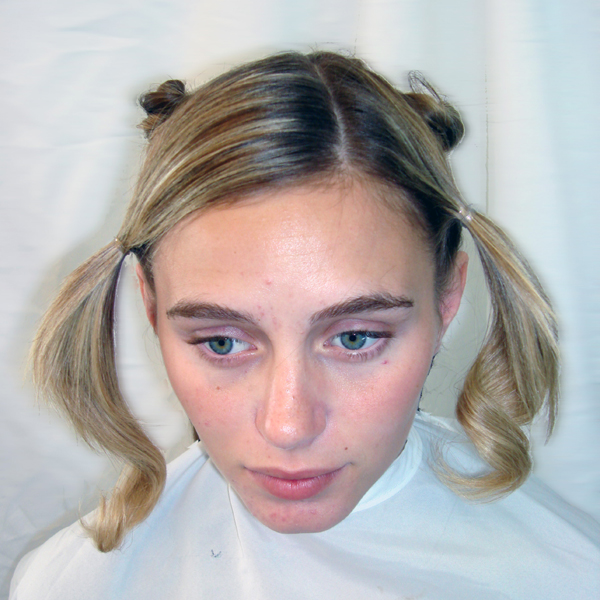 Front view of Partline
Note: Change heavier and lighter side depending on style parting desired - 13Step 13 of 15
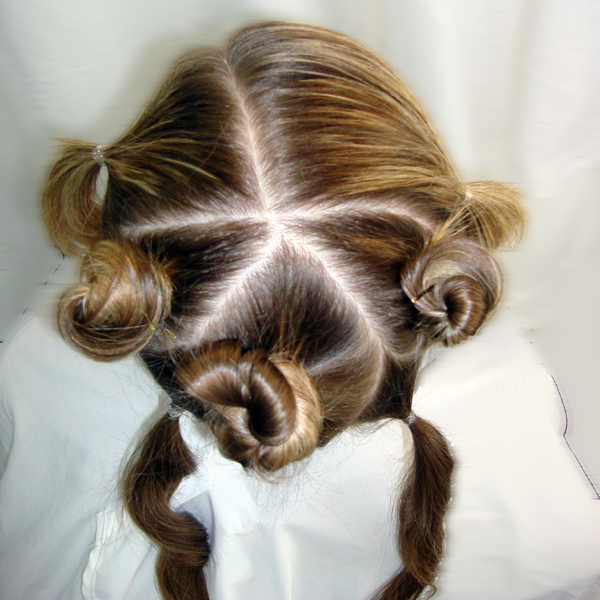 Top view showing all areas meeting at crown
 - 14Step 14 of 15
- 15Step 15 of 15